Learn hardware design by building it.
Each lesson teaches one idea, then asks you to use it. A check tells you straight away whether it worked.
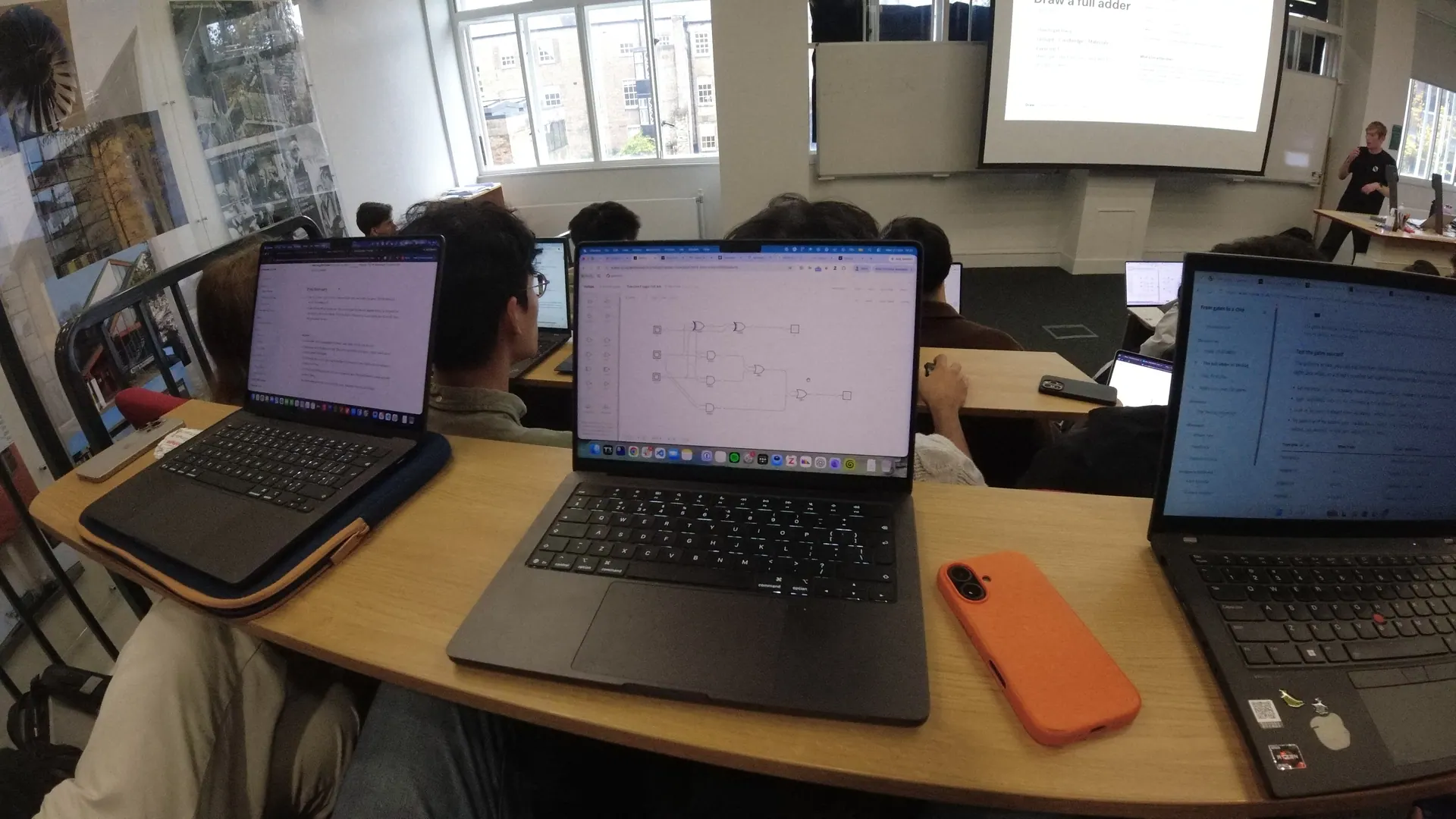
One idea, then you use it.
The brief sits beside the editor. Read what to build on the left, write it on the right, and press Check.
See the courses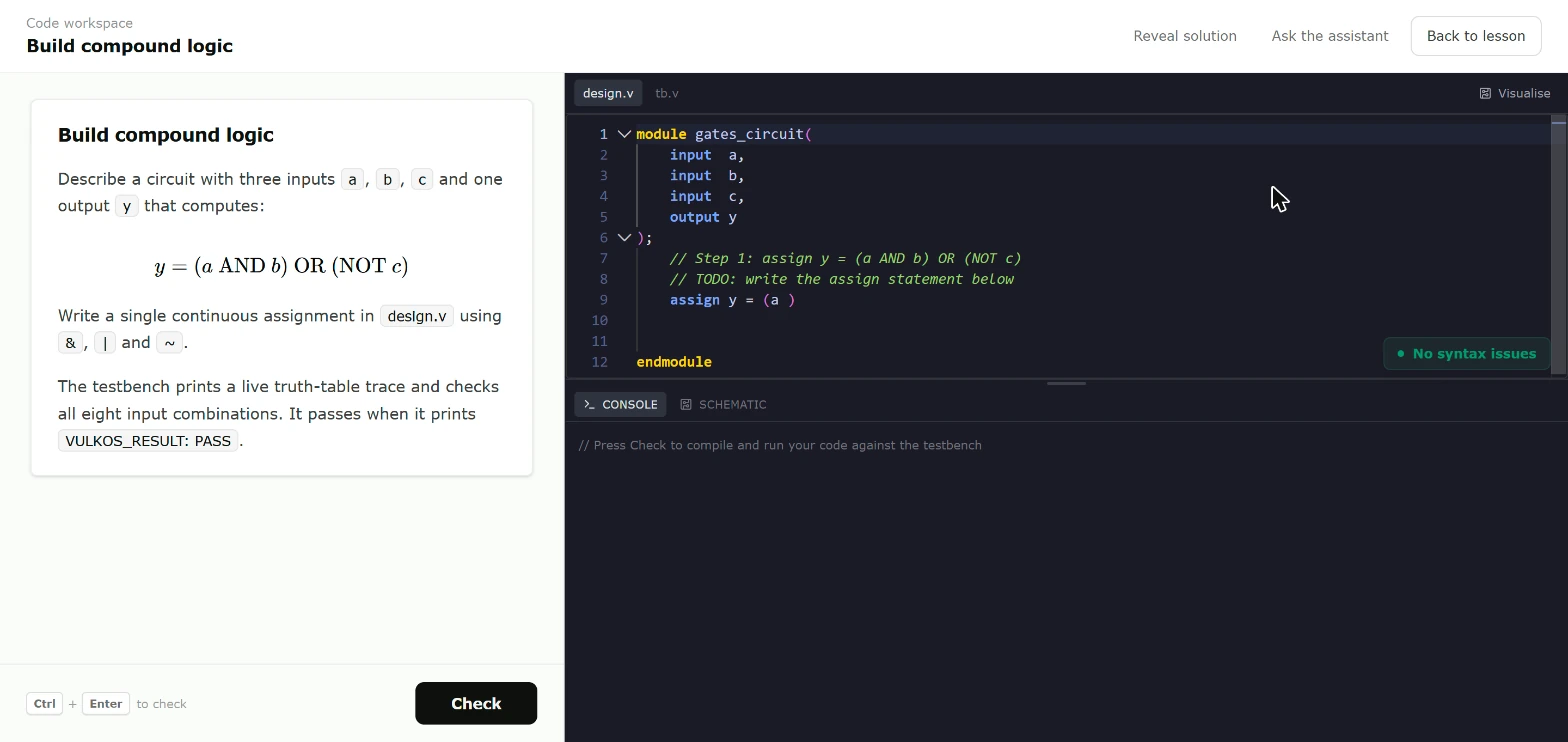
A check tells you straight away.
The testbench tries every combination and prints what came out. When all of them match, the lesson says so. When one does not, you see which.
How checks work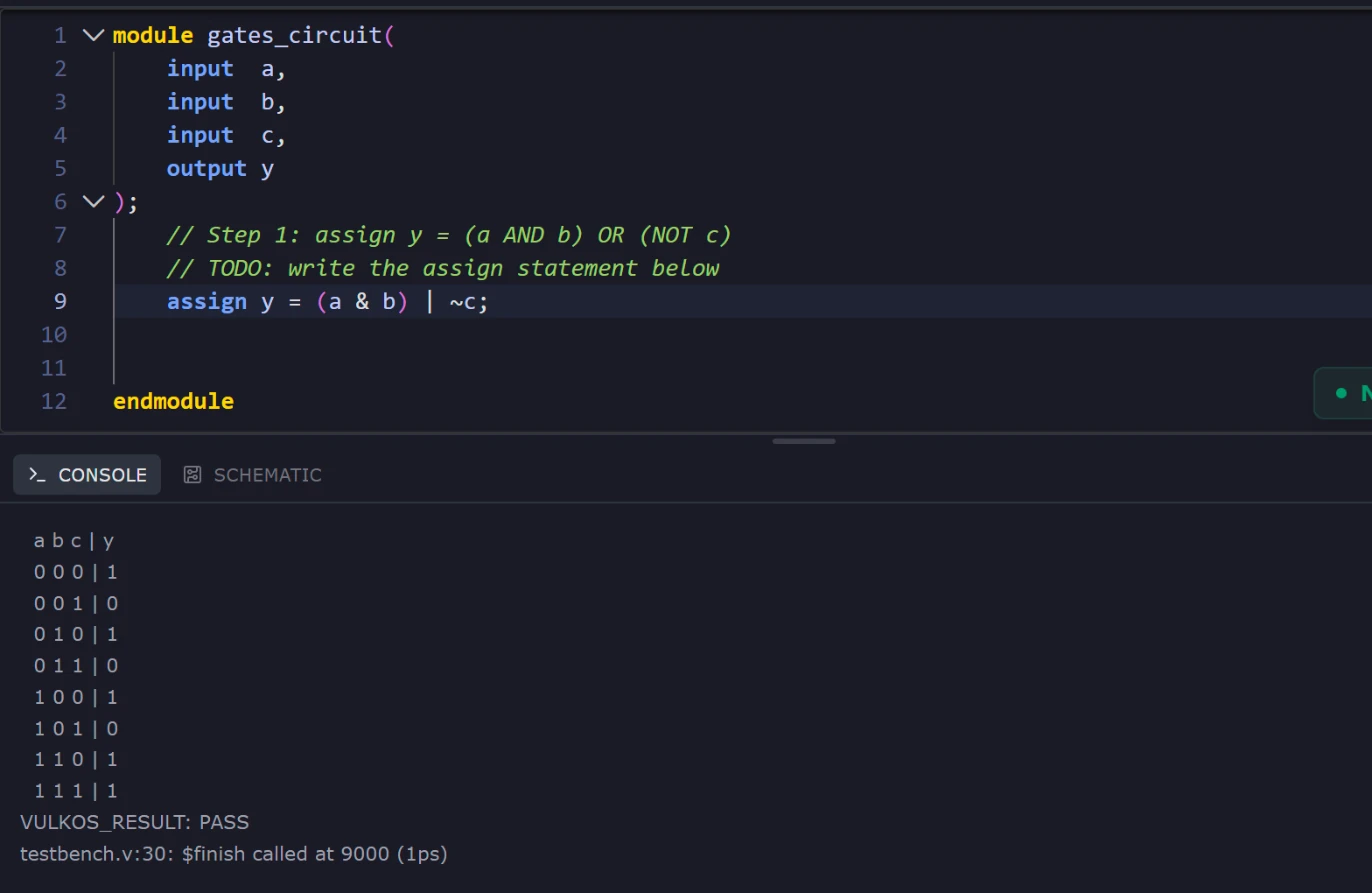
You finish with something you can look at.
The code you write becomes a circuit you can switch on and watch, and later a chip layout you can open and look at.
What students make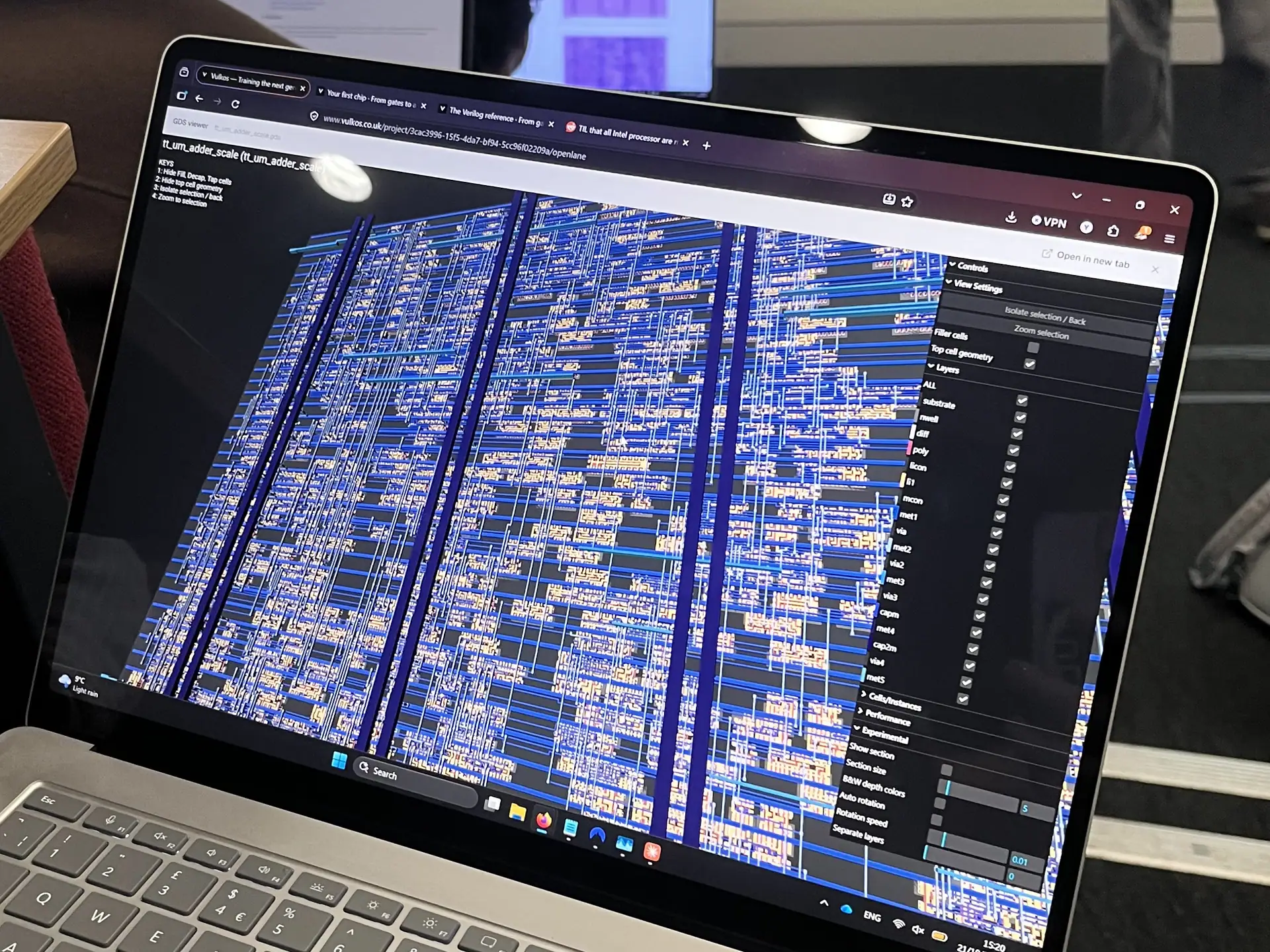
Write your first line of Verilog.
Start with one exercise: read the task, write the line, and see the check pass.