Hardware design, in one browser tab.
Courses, circuit and logic labs, and an editor that runs real design flows, from a first logic gate to a chip layout. Nothing to install.
Runs in the browser.
The heavy work happens on our servers, so the laptop a student already owns is enough.
Real open-source tools.
Icarus Verilog, cocotb, Yosys and LibreLane, the open tools the open silicon community uses.
An open process.
Layouts target SkyWater sky130, a process whose design rules are public.
One account.
Courses, labs and projects share a login, so you pick up where you stopped.
Six parts, one account.
Each one opens from the same dashboard, and anything you save stays in your projects.
Browser IDE
Write Verilog, run a testbench and read the waveform in one window, with an assistant beside the editor.
Logic lab
Build with gates and flip-flops, watch the signals change, then export the design as Verilog.
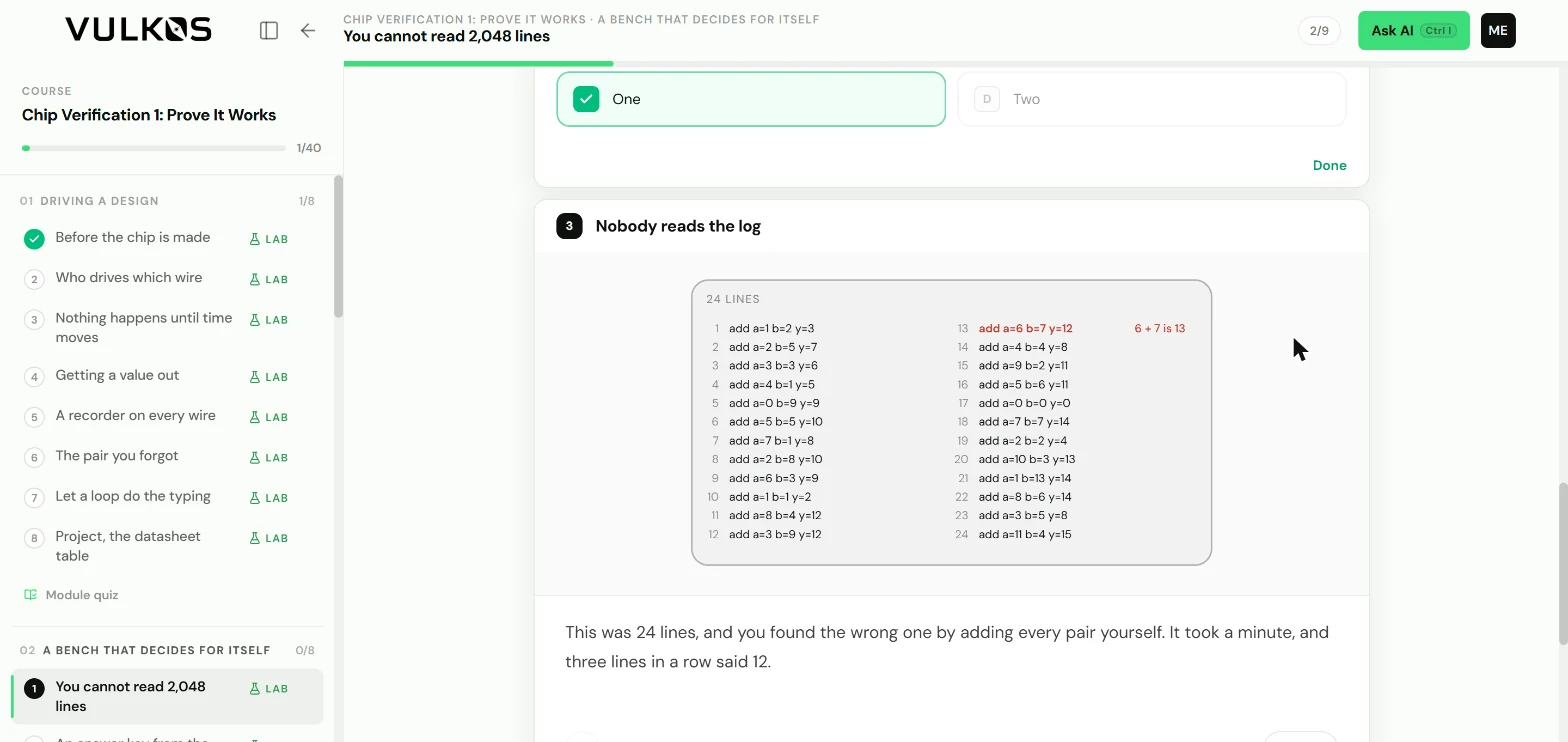
Courses
Guided lessons with live circuits and graded exercises, from logic gates to a full design flow.
Verilog to schematic
Paste Verilog and see the gates it becomes, drawn live in the browser.
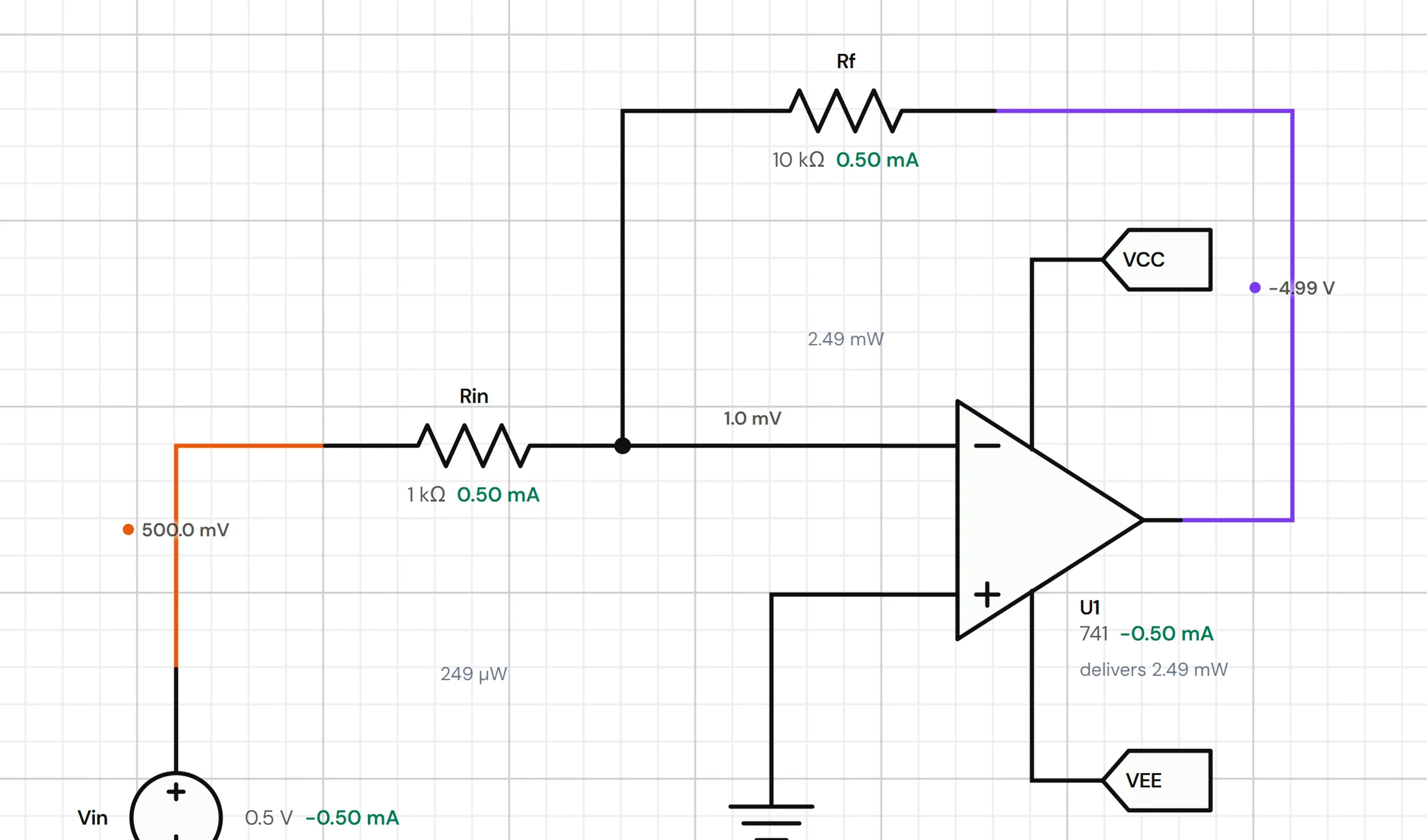
Circuit lab
Drop components on a canvas, wire them up and watch the simulation run.
Layout viewer
Open the finished chip and look at it layer by layer.
From a blank file to a chip layout.
Four stages, each run on hosted open-source tools. You press run; we keep the toolchain going.
1Write
Describe the hardware in Verilog
When an error makes no sense, ask the assistant beside the editor. The free plan includes a weekly allowance of messages.
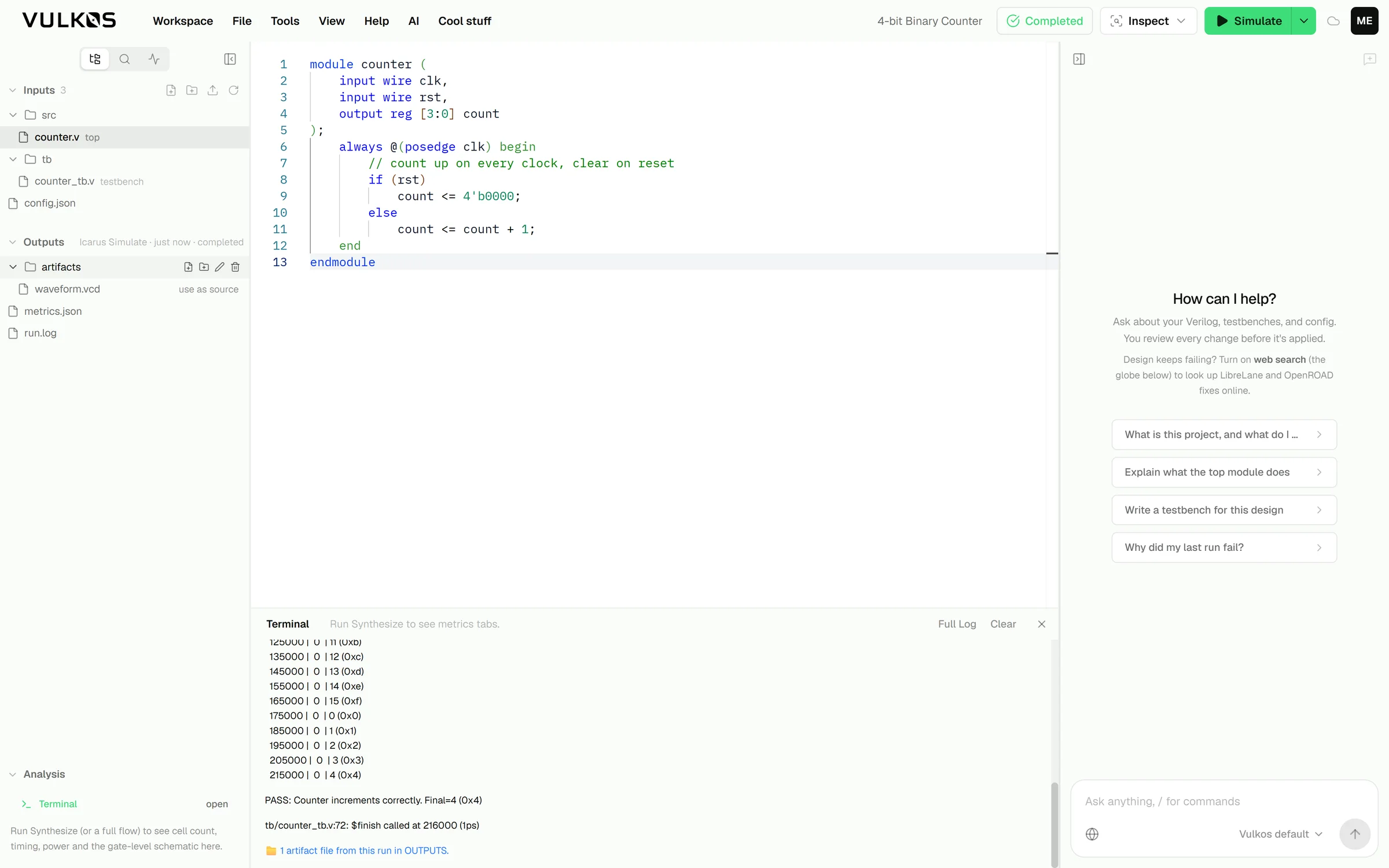
Browser IDE, AI assistant
2Simulate
Check every signal before you build
Run a testbench and read the waveform. Write the checks in Verilog or in Python.
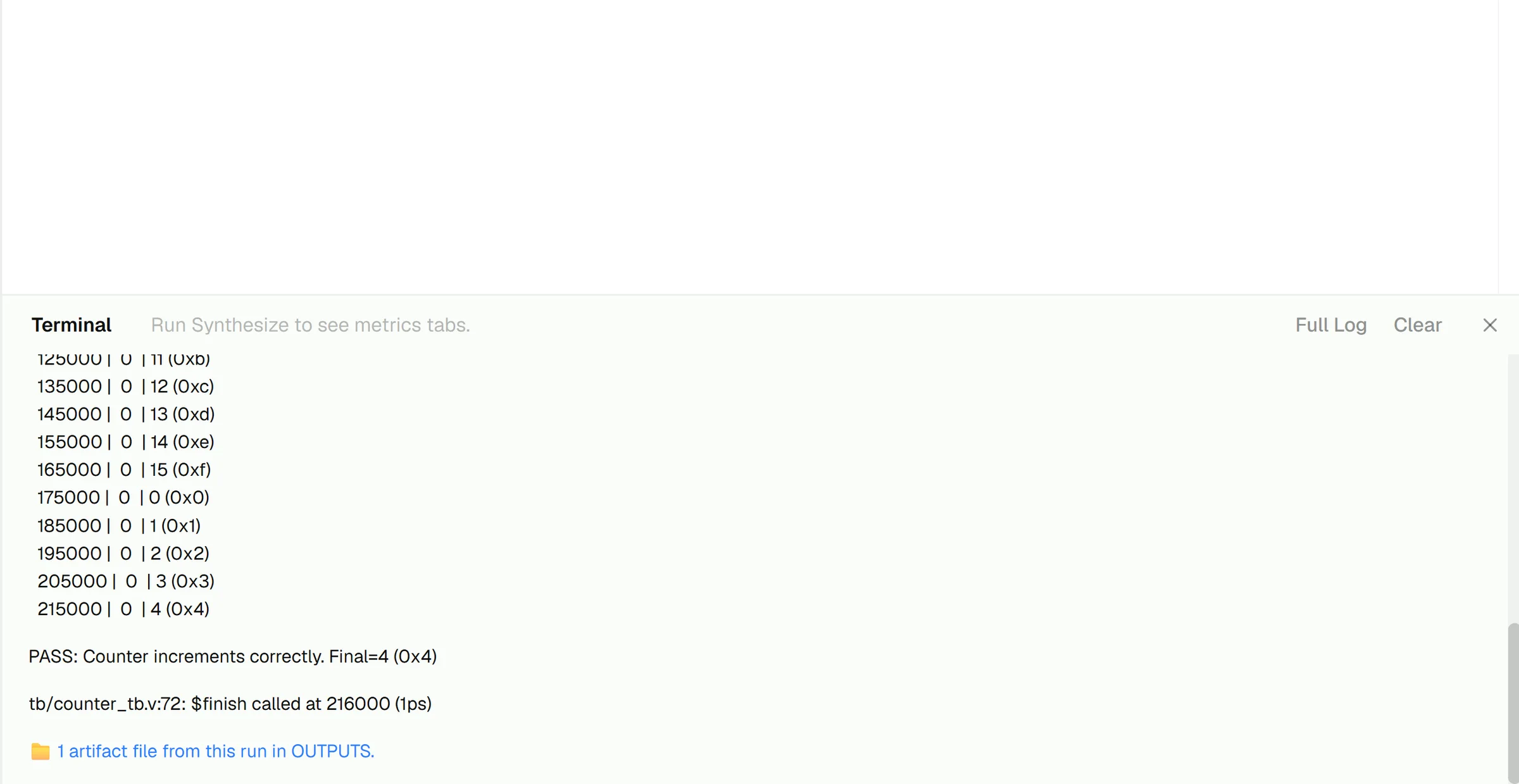
Icarus Verilog, cocotb
3Synthesise
See the gates your code became
Turn the code into gates, then open the schematic it produced and follow a signal through it.
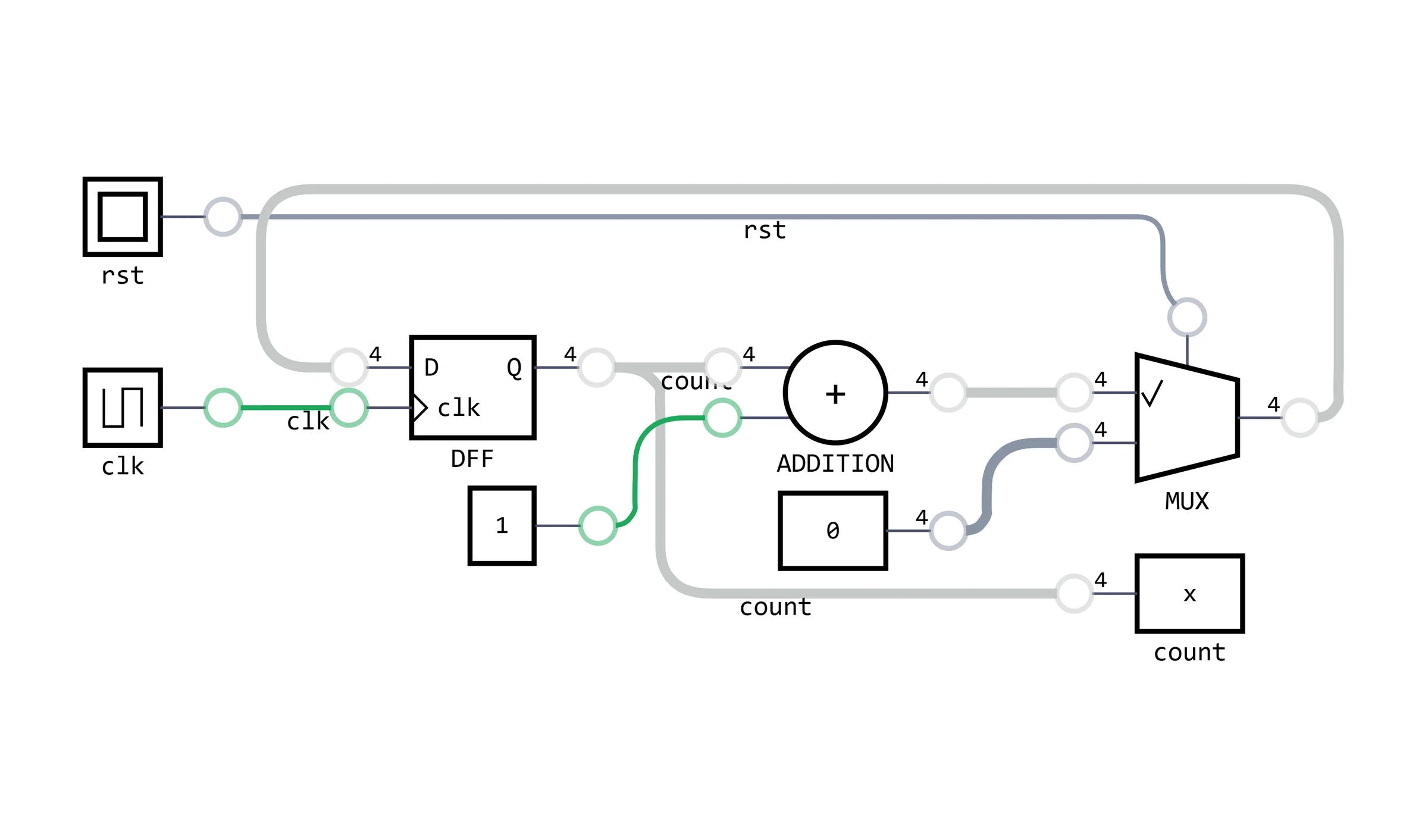
Yosys
4Lay out
Place and route on an open process
Run the layout flow, then inspect the chip that comes out, layer by layer.
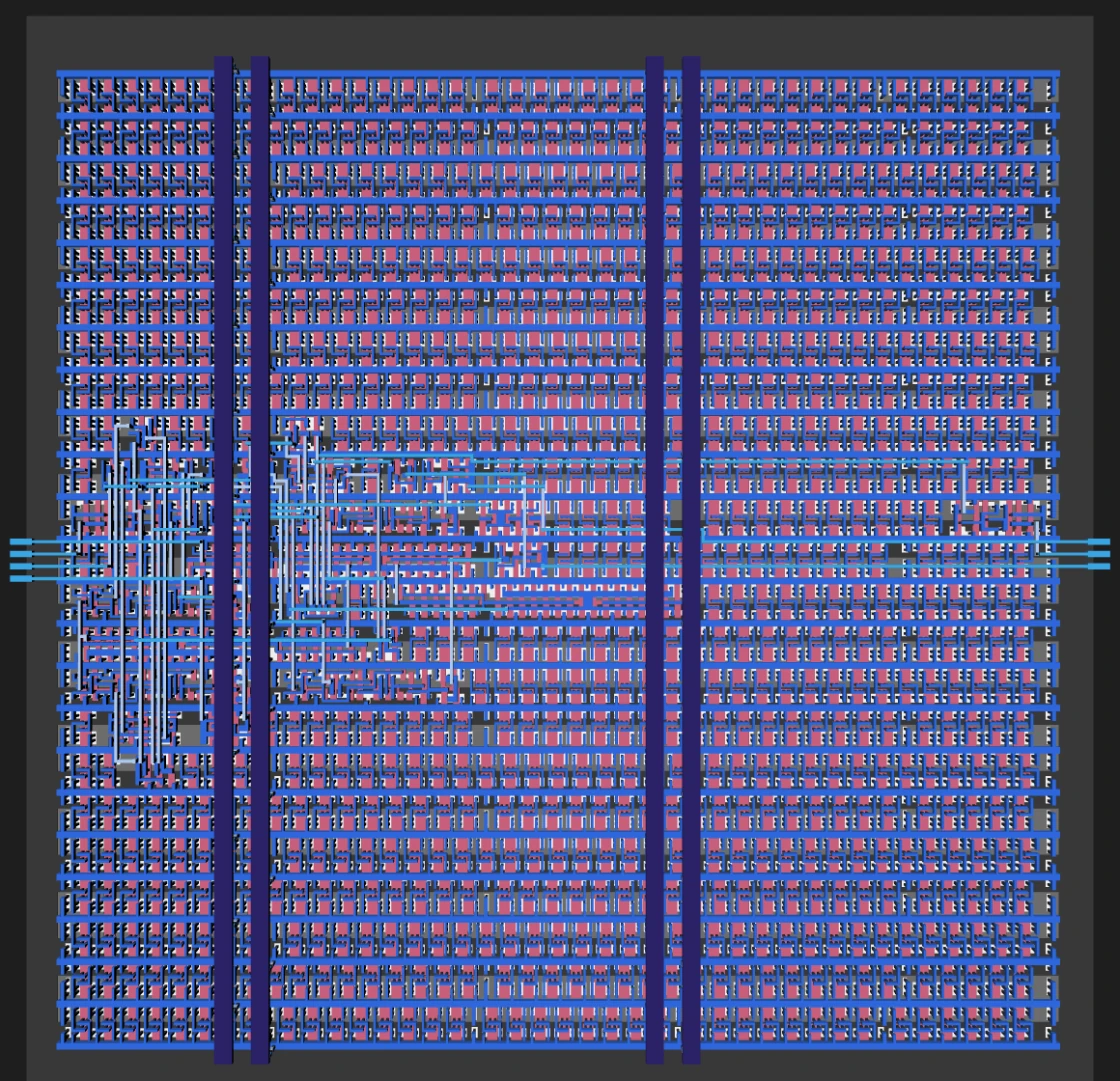
LibreLane, sky130
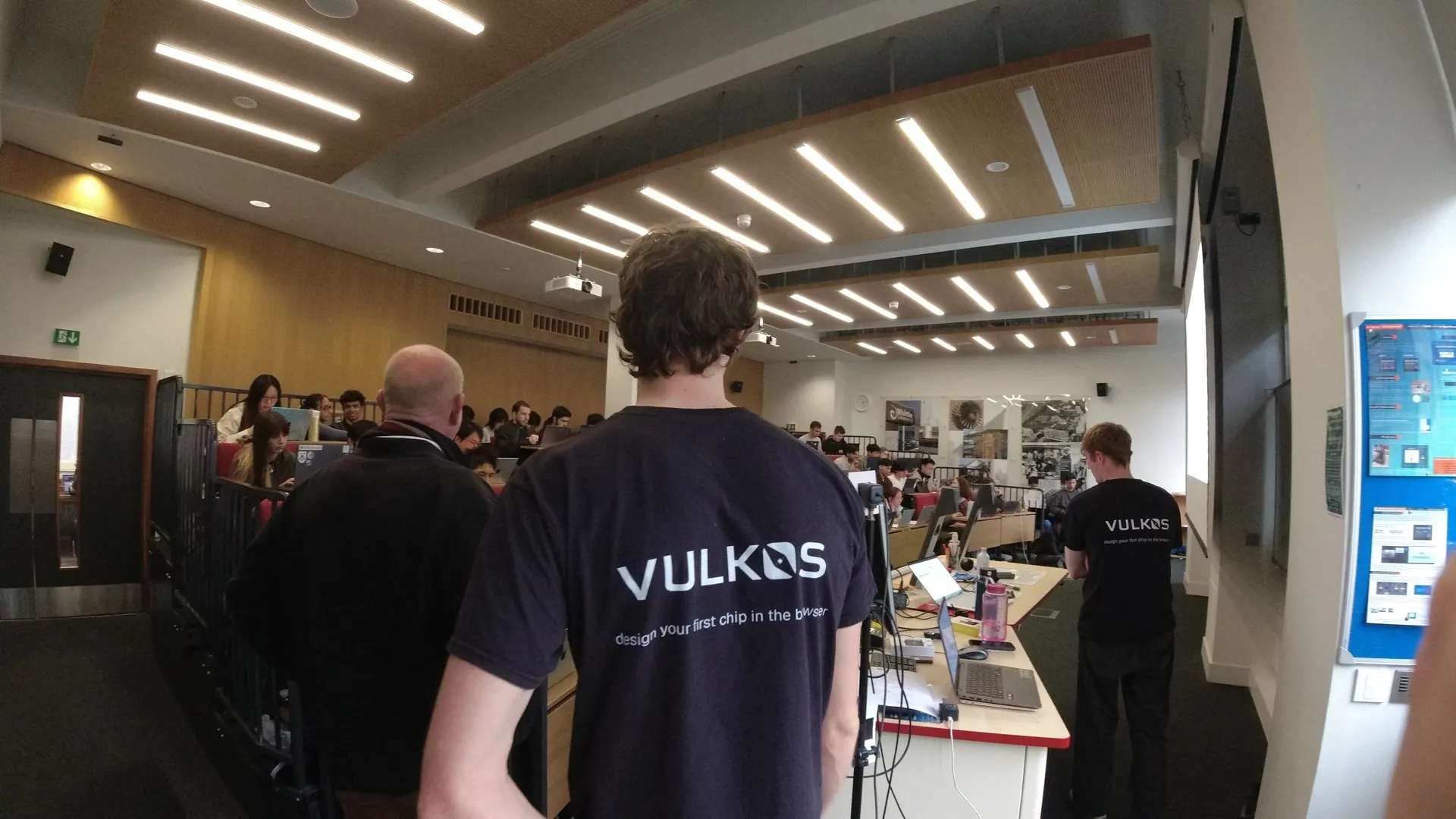
What a class on Vulkos looks like.
“With Vulkos, I could start working on the problem without any of the tedious setup!”

69 of 71
students in the workshop group finished a chip layout
30 min
median time to a first finished layout, in a guided session
Explore Vulkos for universities.
Set up a group, hand out labs and see how everyone is getting on. Students need only a browser.
- Create a group and invite your students.
- Set labs in the order you want them done.
- See how the cohort is getting on, lab by lab.
- No lab machines to set up. It all runs in the browser.