Update
Changelog #3: Simulators, cocotb, and agents that build with you
This release is about getting designs to prove themselves. The IDE now runs three real simulators in the browser, Python verification with cocotb is first-class, and the AI agents can actually do the work for you: in the chip IDE, in Circuit Lab, and when you start a brand-new project.
Here is what landed.
Three simulators, one Run button
Chip design is not one tool. You need a fast check, a serious simulator, and a proper verification stack. Vulkos now gives you all three without leaving the browser.
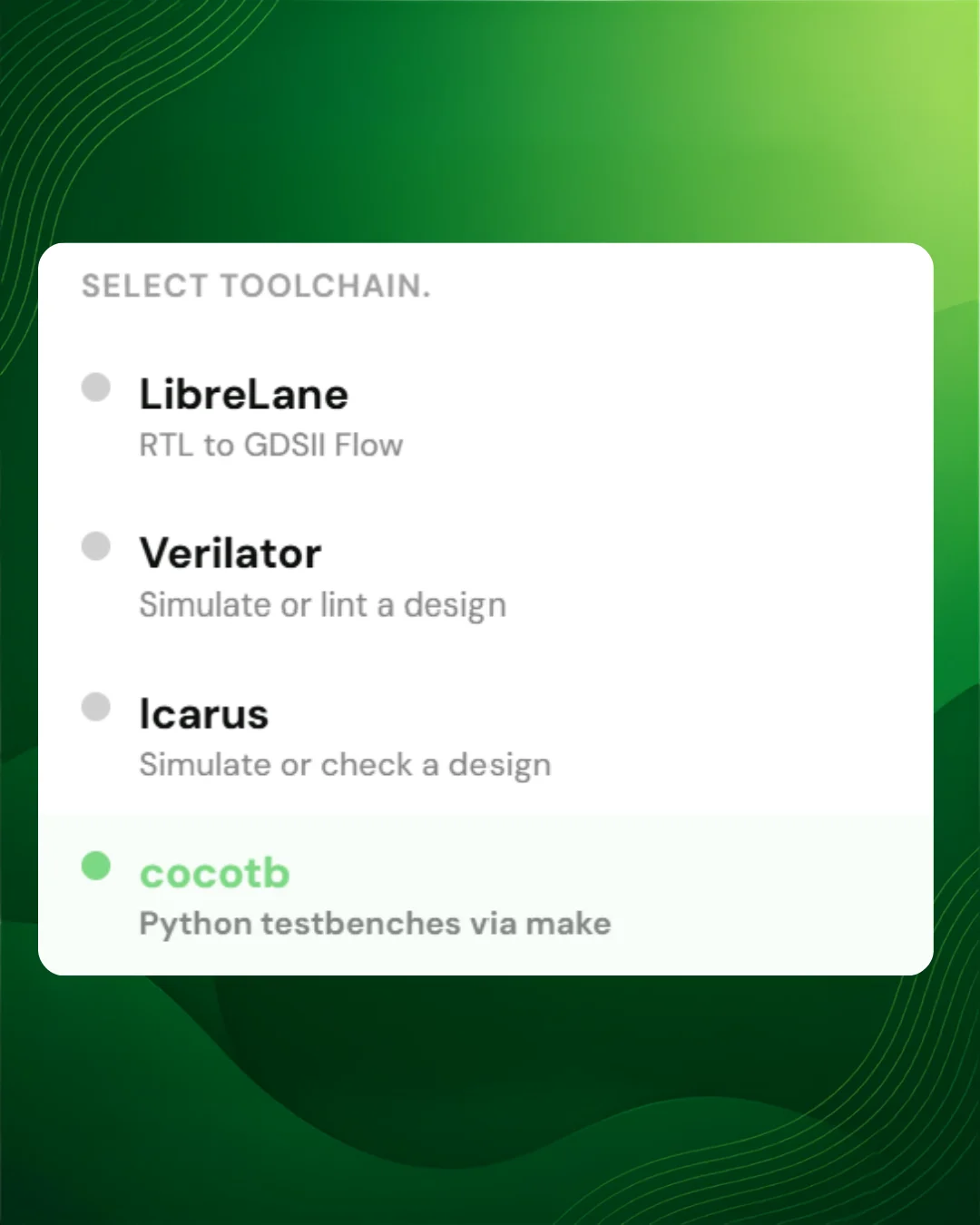
Icarus Verilog
The classic open-source simulator, ready when you are. Simulate a testbench or run a quick elaborating check on your design. Ideal for getting started, teaching, and designs that lean on delay-based testbenches.
Verilator
When you want speed and stricter lint. Simulate your design, or lint it to catch warnings early. The same Run flow, a stronger engine underneath.
cocotb
Python testbenches, for real. Write tests the way verification engineers do, with cocotb decorators, clear pass/fail per test, and waveforms you can open when a run finishes. No local install, no Makefile wrestling: pick cocotb, press Run, read the results.
- Pick your tool. Icarus, Verilator, cocotb, or LibreLane for RTL-to-GDS. Switch from the IDE toolbar.
- Outputs you can browse. Waveforms, results.xml, and other run artifacts land in an OUTPUTS tree you can open inline.
- Smarter file roles. The IDE infers what is design, what is testbench, and what is generated, so Run knows what to send.
AI agents that actually work
Assistants that only chat are not enough. Ours now run as agents: they read your files, propose real edits, and keep going across multiple steps until the job is done.
In the chip IDE
Ask it to fix a failing testbench, add a module, or clean up a design. It pulls in the files it needs, reasons through the change, and hands you Apply cards with clear diffs, so you stay in control of what lands in the workspace.
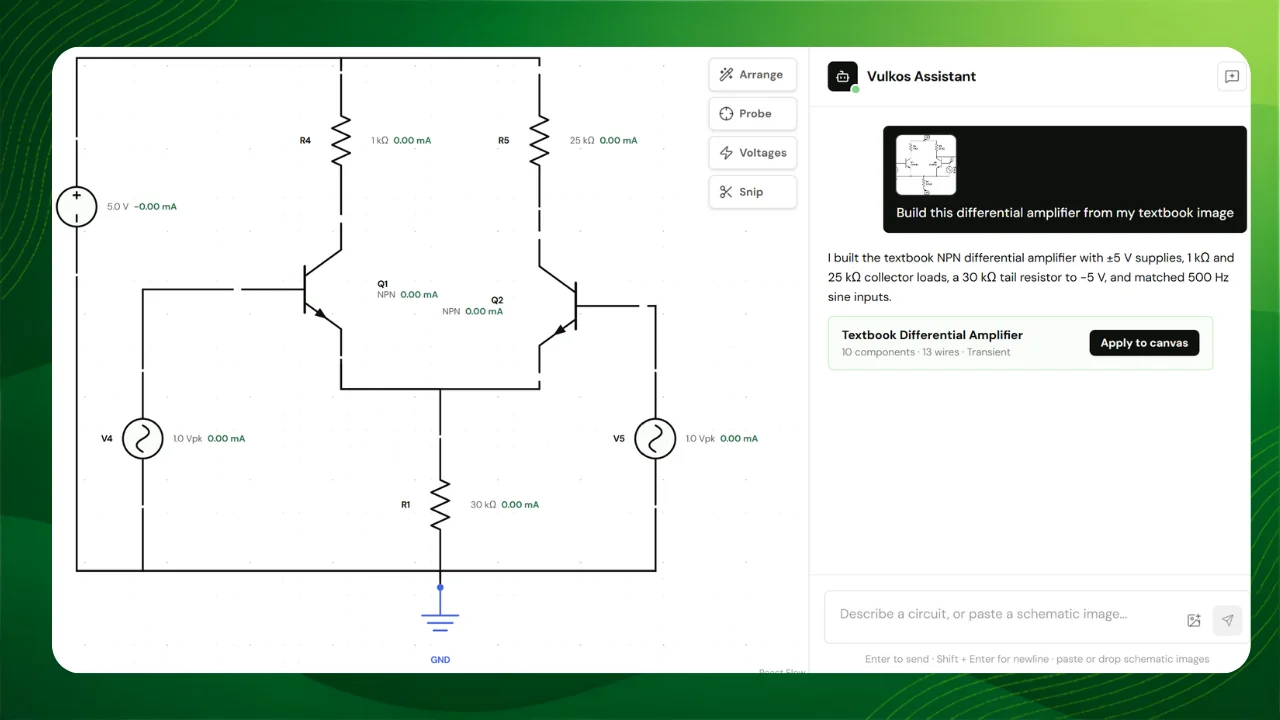
In Circuit Lab
The same agent pattern on the canvas. Describe a circuit and get a structured proposal you can apply in one click: gates, wires, and layout, not a wall of text.
Start a project with AI
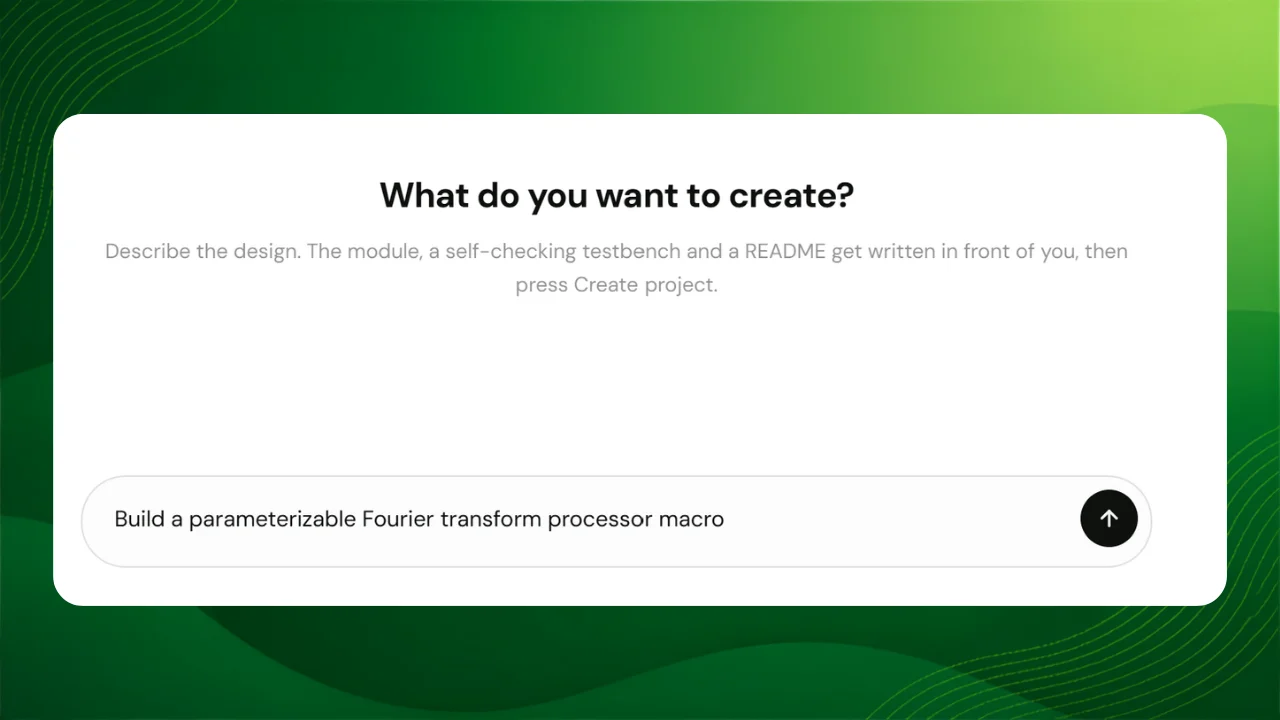
New Project is no longer a blank folder and a shrug. Describe what you want to build, and watch a working starter appear file by file: design under src/, a self-checking testbench under tb/, a README that tells you how to press Run, and the right toolchain already selected.
- Design starters. Ready-made templates when you want a known path to silicon.
- Verification starters. Python and cocotb-shaped projects when proving the design is the point.
- Start with AI. One sentence in, a runnable workspace out, with Icarus, Verilator, or cocotb picked for you.
Community projects
Chip design is better when you can learn from each other. You can now publish a project from the IDE, browse what others have shared, and fork a design into your own account to run and change it.
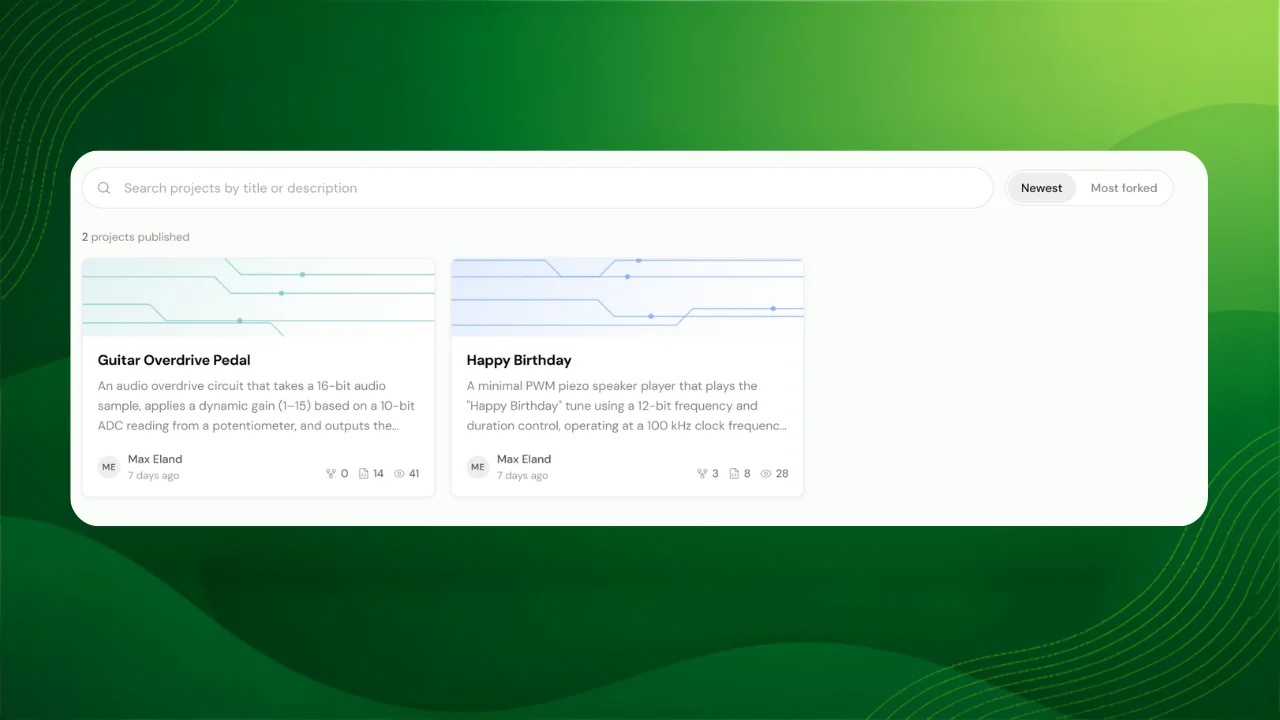
- Publish a snapshot. Share the source as it stands. Later edits to your private project stay private until you publish again.
- Browse and search. Find projects on /community, sorted by newest or most forked.
- Fork and run. Open someone else's design in your own workspace, with the files ready to simulate or take further.
Source only: no waveforms, no GDS. You re-run to get your own results. That keeps forks clean and small.
Coming soon
- Groups and assignments. Classrooms, shared work, and submissions for teachers and cohorts. On the way.
Open a project, pick a simulator, and hit Run, or describe what you want and let the agent scaffold it. If something feels off, tell us in the in-platform feedback or by email.